
Guides SEO Content Briefs: How to Plan Better Pages Before You Write
SEO CONTENT BRIEFS
SEO Content Briefs: How to Plan Better Pages Before You Write
Learn how SEO content briefs work, what decisions to make before writing, and how to use search evidence, page ownership, and acceptance criteria to plan better pages.
By Rankvia ·
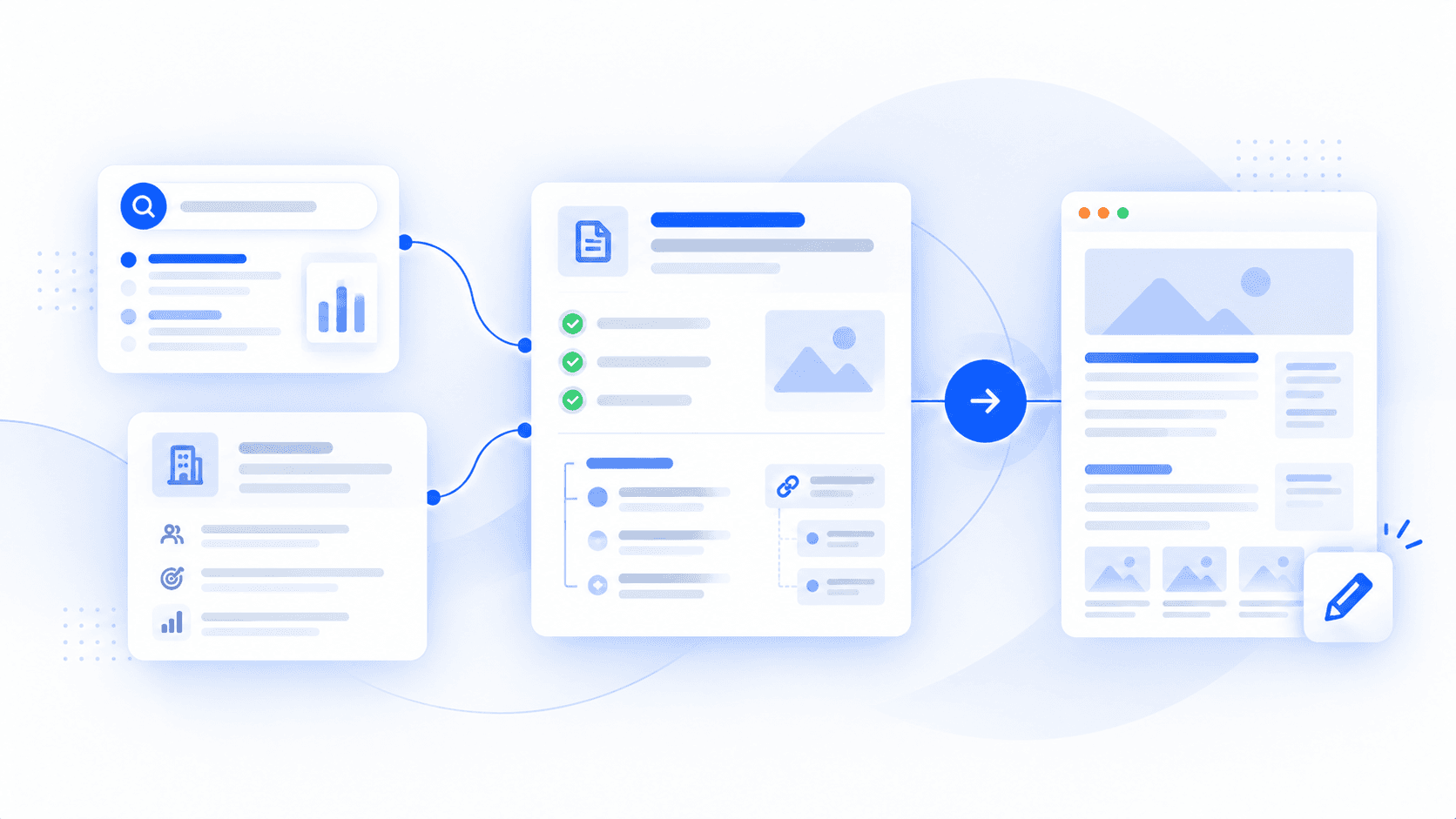
An SEO content brief defines the reader, page objective, evidence and review criteria before writing begins. It helps a writer make useful decisions, rather than simply follow a keyword list or target word count.
Worked example: from a vague request to a useful Page Plan
Illustrative example. HarborDesk is a fictional appointment-scheduling SaaS. Its capabilities, website inventory and excerpts demonstrate the briefing method; they are authored examples, not a generated Rankvia Page Plan or customer results.
- Reader and decision
- An operations lead deciding how to introduce appointment booking across several service locations while keeping appropriate central oversight.
- Proposed page and objective
- “How to introduce appointment booking across several locations.” Help the reader assess fit, responsibilities and prerequisites before an evaluation.
- Business context and existing coverage
- Assume appointment booking, location permissions and a calendar connection. Product, permission, calendar and pricing pages already exist; check that none already answers the rollout question.
- Evidence needed
- Current product and integration documentation for roles, supported calendars, sync direction and plan limits. Confirm every numerical claim; omit invented rollout times and customer outcomes.
- Suggested structure
- Direct answer → local and central responsibilities → permission checks → calendar prerequisites → human handoffs → limitations and evaluation questions.
- Links and next action
- Link permission details beside responsibilities, calendar instructions at setup, and current pricing where plan conditions matter. Help the reader decide what to verify in an evaluation. These are fictional destination labels; a real brief needs checked URLs.
- Draft review criteria
- Support material capabilities with current sources, explain the workflow without requiring a demo, avoid overlap with existing pages and remove unsupported outcomes or staff-rota claims.
Start with the uncertainty, not a longer prompt
Vague request: Write a comprehensive SEO article about scheduling software. Mention HarborDesk and add internal links.
Improved brief: Help an operations lead assess a multi-location appointment rollout. Explain responsibilities, permission questions and calendar prerequisites so they can judge fit and prepare an evaluation.
The second request defines a reader decision. Adding a word count to the first would not fix its ambiguity. A useful opening might explain that the team should agree responsibilities before checking product permissions and connection limits. The detailed reasoning follows below; the brief itself can stay compact.
The six decisions a strong brief should make
Before the brief, decide whether the page should exist
Check the website before assigning another URL. “Workflow automation software,” “workflow automation platform” and “workflow automation software for teams” may describe the same need. Different wording does not establish a different page.
- Create: a distinct, useful need has no suitable page.
- Improve: the right page exists but leaves an important gap.
- Skip: leave adequate coverage unchanged, or defer an unsuitable idea instead of scheduling unnecessary work. This does not mean deleting a published page.
A brief for a new buying guide needs different instructions from a brief improving an existing feature page. For the wider selection method, see how to check existing pages before planning another.
Make the important decisions explicit
- Page - which URL should answer the question? Record the existing target, Create or Improve decision and overlap to avoid. Resolve this before producing several competing pages.
- Job - what must the reader accomplish? Name the reader, decision and suitable page type. “Help an operations lead compare workflow products by complexity, integration, implementation and cost” gives more direction than “informational intent.”
- Evidence - what must be known or verified? Identify current product documentation, pricing, authoritative sources, permitted business data or subject-matter input. Distinguish facts from editorial judgement.
- Difference - why is this page useful? Specify the clearer explanation, evaluation criteria, original evidence or neglected use case it contributes. “More comprehensive” alone is rarely enough. Google’s people-first guidance asks for useful, original or substantial value beyond existing results.
- Connections - how does it fit the site? Identify relevant supporting pages, product information and next questions. Explain the purpose of each link instead of prescribing five links or a fixed quota. Existing pages may need a separate reviewed link update.
- Acceptance - how will the draft be judged? Require the main question to be answered, important facts to be sourced, the business to be represented accurately and unnecessary overlap to be avoided. For a comparison, also require equivalent criteria, current terms and a credible reason to choose each option.
A content brief is not an outline
| Document | Main purpose | Typical contents |
|---|---|---|
| Content brief | Decide what the page should accomplish | Reader, intent, evidence, business context, links and review criteria |
| Outline | Organise the answer | Headings, section order and supporting points |
| Keyword list | Describe relevant search language | Queries, related questions and terminology |
| Creative brief | Guide broader creative work | Audience, message, tone and campaign goals |
An outline can sit inside a brief. Neither headings nor a keyword list settle the reader’s decision, evidence or useful contribution on their own.
What is an SEO content brief?
It is an editorial planning tool, not an official Google standard. Google’s documentation focuses on the resulting content: whether it is useful, reliable, original and created for an intended audience. The brief helps prepare that page; it is not itself what ranks.
Copyable SEO content brief template
Use the full free template for the blank fields, copy action and Markdown download. The guide keeps this summary rather than a second long blank form:
- Purpose and page: reader, query, page job, Create/Improve and overlap.
- Research and evidence: buyer questions, current search context, sources and claims to verify.
- Useful answer: angle, structure and business facts that belong in the page.
- Connections and action: relevant destinations, descriptive anchors and the reader’s next step.
- Review and production: assignment-specific acceptance criteria, metadata and optional scope, tone, assets or publication notes.
Use only the fields that remove important uncertainty. A 25-field brief is not automatically better than a 10-field one; not every assignment needs a product section, original dataset or detailed production directions.
Prepare and review the brief
- Start with the opportunity and existing site. Check business relevance and the page that already serves the need. Connected Search Console queries and page data can add evidence; GSC remains optional alongside business context and other search research.
- Read search results for intent, not headings to copy. Look for page types, recurring questions, terminology, evidence and weak coverage. Decide what your page should add rather than combine competitors’ outlines.
- Gather evidence before drafting. Specify where prices, product capabilities or consequential claims will be verified and who can provide appropriate expertise. Missing evidence is easier to address before a polished draft exists.
- Plan the answer and business role. Set the sequence the reader needs: direct answer, criteria, tradeoffs, evidence, example and next question. Sometimes one useful product link is enough; a use-case page may need more substantial product explanation.
- Write review criteria before handing it over. Ask how tomorrow’s draft would demonstrate a useful answer. Confirm factual sources, reader fit, coverage, links and a proportionate next action.
The mistakes that make briefs look useful but create rework
- Keyword-density targets and competitor word-count averages do not settle editorial quality.
- Copying every competitor heading creates a composite of existing results rather than a useful contribution.
- Skipping the existing site can produce a detailed brief for a duplicate page.
- Adding every related question confuses completeness with usefulness.
- Leaving the business role or review criteria unresolved makes the editor reconstruct the strategy.
How do you know if the brief was good?
Review the returned draft against the intended reader and task, suitable page type, supported claims, accurate business description, relevant links and acceptance criteria. Could the writer act on the brief without the editor rebuilding its strategy?
Later, search and business evidence can show whether the intended URL earns impressions for relevant queries, whether another page overlaps and whether qualified visitors take useful next steps. A brief cannot guarantee that performance; it reduces avoidable ambiguity and gives the editor a review standard.
Different page types need different briefs
| Page task | What changes in the brief |
|---|---|
| Educational guide | Prioritise the reader’s question, explanation, evidence and next step; a product may barely appear. |
| Comparison or alternatives | Verify current capabilities, equivalent criteria, pricing, limits and suitability. Use the comparison guide. |
| Product-led or use-case page | Explain customer need, supported workflow, business evidence, limitations and next action. See SaaS use-case pages. |
| Ecommerce guide | Use verified product facts and relevant product/collection links, with merchant review. |
| Existing-page improvement | Keep what works, identify the gap and specify substantive changes rather than brief a blank-slate article. See refresh-versus-retain guidance. |
Worked example: explain pricing and total cost without inventing certainty
Illustrative example. HarborDesk is a fictional SaaS. The invented prices, limits and passages below teach cost explanation; they are not Rankvia prices, a customer quote or generated product output.
The reader is evaluating two service locations over a year. An educational cost article explains this scenario; an authoritative pricing page owns current offers and contractual terms. Link to that owner rather than maintain a second unsourced price list.
- Facts to supply: approved currency, billing unit, cadence, included capacity, effective date, source links and an accountable commercial reviewer.
- Fictional assumptions: USD per location; $40 per location billed monthly, or $408 per location paid upfront for a 12-month commitment. Each location includes five staff accounts and 1,000 bookings per month. Do not assume capacity pools or invent overage terms.
- Other work: an optional external setup session costs $120 once for this two-location project. Taxes, currency conversion, messaging, migration, internal staff time and other third-party work remain outside the estimate. Unknown costs are not zero.
- Structure and review: answer the scenario, explain included scope, compare equivalent periods, separate optional costs and state who fits. Verify permissions, connections, cancellation and renewal terms before publication.
Illustrative passage: “For two locations, monthly billing totals $80 per month or $960 over twelve unchanged monthly payments. Annual billing is $816 paid upfront; the $68 monthly equivalent is not a monthly payment. Optional setup takes the known first-year subtotal to $1,080 or $936 respectively. These are known subtotals, not an all-in budget. A team outside the assumed capacity or connection scope needs suitable verified terms.”
This short brief gives the writer a decision and calculation to explain. Check every amount and condition against approved current evidence for a real article; no ROI, savings or tax advice follows from the example. For an unresolved budget concern, see the purchase-objection example. For changing vendor terms, see comparison maintenance.
Where Rankvia Page Plans fit
An SEO content brief is a general editorial method. A Page Plan is Rankvia’s planning output before generation: it uses a selected opportunity and available business, website and search context to define the reader, objective, page role, answer strategy and relevant links.
You can review the Page Plan and resulting editable draft. You do not need to complete a long manual brief before every generation.
Use the Page Plan instructions for actual controls and topic instructions for supported factual guidance. The template is for manual briefing; downloading it does not import it into Rankvia or automatically ingest a document. Approved content language and target market remain separate from interface language.
For related page roles, plan a pillar and distinct supporting content. For the next production step, use generation and editorial review or see content creation.
APPLY THIS TO YOUR WEBSITE
Decide what your website should work on next
Start with website analysis and the existing Business Profile review. Rankvia can prioritize suitable opportunities and prepare a Page Plan without requiring a long manual brief.
Existing signup or login required. Review business facts and the plan before generation.
Content-brief questions
Should the brief include SEO title and meta description?
Yes, when useful, but they follow the page strategy. A working H1, SEO title and description can guide production. Google recommends descriptive, concise titles and may use the title element, main visible title or other prominent text for title links. Snippets primarily use page content and may use a helpful meta description. Neither field guarantees exactly what Google displays.
Should an SEO brief specify word count?
Use approximate scope when it helps commission work or keep an assignment focused. It is a production constraint, not a ranking target. Google does not have a preferred word count; stretching a useful answer to match competing pages does not make it better.
Can AI create an SEO content brief?
AI can help organise research, related questions, potential links and a first plan. Check inferred intent, existing coverage, capabilities, product facts, sources and the proposed contribution. The more consequential or ambiguous the claim, the stronger the verification required. Google’s quality, accuracy and spam guidance still applies to automated content.
Do content briefs need special instructions for AI search?
Established SEO remains relevant to Google AI Overviews and AI Mode. A useful brief already covers reader needs, direct answers, evidence, supporting depth and website relationships. There is no documented brief format that guarantees ChatGPT citations, AI Overview appearances or AI Mode links. Clarity helps readers; it is not a citation guarantee.
Sources
- Creating helpful, reliable, people-first content - Useful, reliable, original content and added value.
- Using generative AI content - Accuracy, quality, relevance, and scalable-content guidance.
- Link best practices - Crawlable internal links and descriptive anchor text.
Rankvia
- Content Calendar - Page ownership and Create/Improve planning.
- Page Plans - Page intent, context, evidence, and internal connections.
- Internal Linking - Contextual destinations and anchors.