
Guides Ecommerce product education: explain the concept before the purchase
ECOMMERCE PRODUCT EDUCATION
Ecommerce product education: explain the concept before the purchase
Teach a useful product concept with reliable facts, clear examples and merchant review. Follow fictional Northtrail through a backpack-capacity article, annotated structure and draft excerpt.
By Rankvia ·
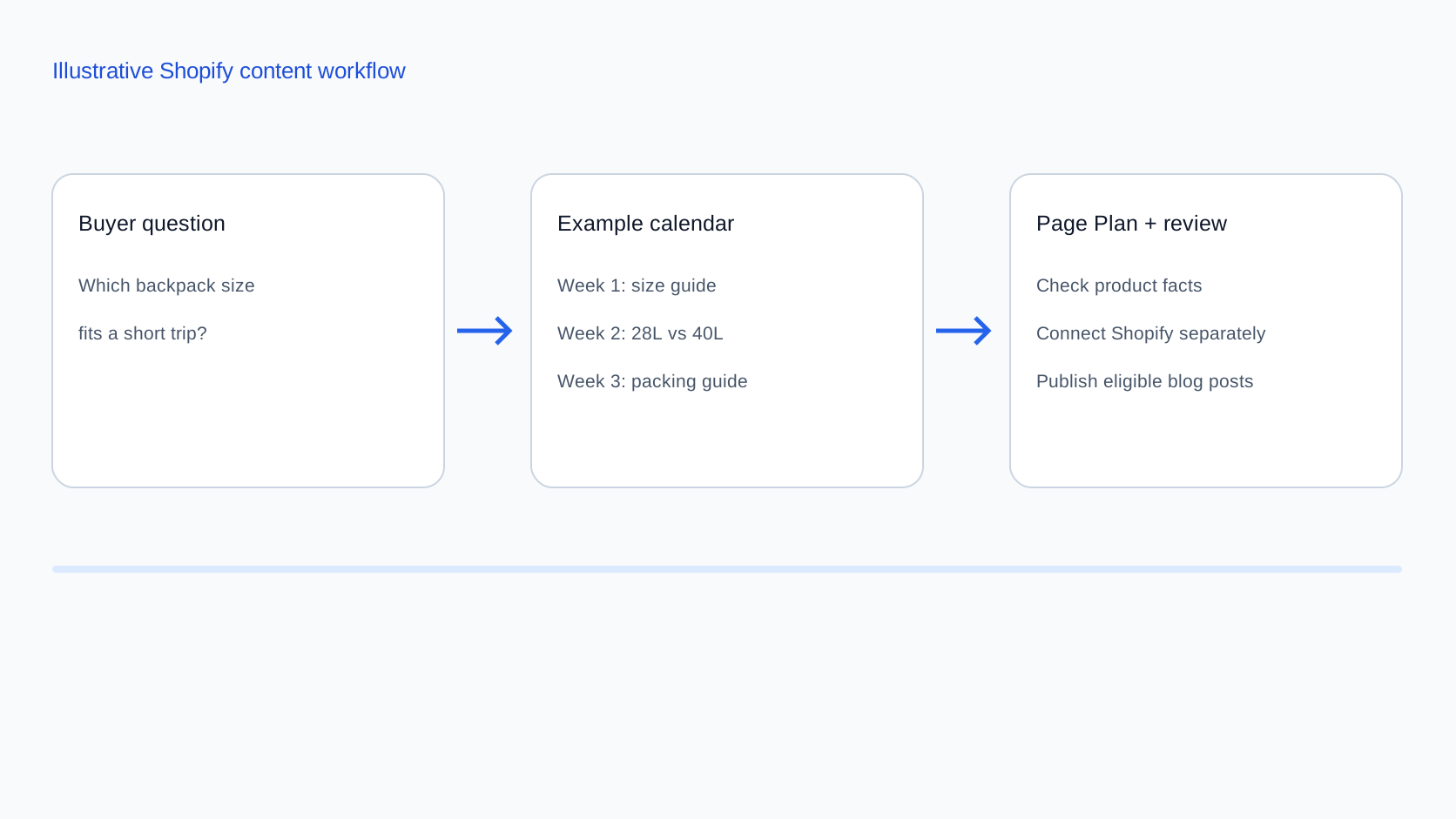
A customer can recognize a product without understanding how to choose or use it. Product education closes that knowledge gap. A useful article explains one concept clearly enough that the reader can apply it, including when the available facts are insufficient for a purchase decision.
Start with what the reader needs to understand, not a list of products to promote. This guide shows how a fictional store can explain backpack capacity without inventing a universal size rule, product test or customer result.
Choose a teaching task, not another buying guide
A product page owns the specifications of an individual item. An ecommerce buying guide helps readers choose among suitable options using criteria and tradeoffs. Product education teaches an underlying concept, such as what a capacity figure can and cannot tell you. It can help someone who is not ready to select a product.
For this example, the question is “How should I use a backpack's litre figure when planning what to pack?” The answer should explain capacity, give a practical checking method and show which facts remain necessary. It should not become a second shortlist of the store's backpacks.
Check existing coverage before creating another URL. If the store already has a good sizing explanation, improve or link to it. If customers only need a missing measurement, the product page may be the right owner. The Shopify content strategy covers that broader ownership decision.
Define Northtrail's illustrative knowledge gap
Assume a reader sees “28L” on a product page and asks whether that means the bag will hold everything for three nights. Their gap is not awareness of the product range. They do not yet know how to connect a capacity label with their own packing list, laptop dimensions and travel constraints.
Keep the answer focused: the number of nights alone is not enough information for this fictional decision. The same three-night trip can involve different clothing, work equipment and bulky items. The article should help readers make a list, check relevant dimensions and identify unanswered questions before suggesting a product.
The illustrative catalog supplies just three facts: the Weekender is labelled 28 litres, the Journey 40 litres, and both have laptop compartments. Packing cubes are an optional organizing accessory. No compartment dimensions, packed weight, comfort tests, weather-resistance evidence or travel-operator approval is supplied. The article must not fill those gaps with assumptions.
Establish the facts before drafting
Use a merchant-reviewed source list. For a real article, record the source and review date beside facts that may change. A product title or image is insufficient evidence for a specification that the reader relies on.
- Capacity and dimensions: verify the manufacturer or merchant's published figures and what they describe. Do not invent a measurement method or assume different brands measure identically.
- Compartment compatibility: obtain actual compartment dimensions and any relevant access limitations before making a device-fit claim.
- Use instructions: rely on the applicable product documentation. Explain restrictions instead of substituting generic advice.
- Travel requirements: direct readers to the current operator's rules and actual packed measurements. Do not promise universal cabin acceptance.
- Product links and availability: verify the specific item, variant, region and destination URL before publication.
Separate a fact from an inference. “The fictional catalog labels this bag 28L” is an example fact. “It will fit your three-night trip” is an unsupported conclusion without the reader's requirements and additional product information. If a fact is missing, explain the limitation or wait for merchant confirmation.
Explain capacity through a useful checking method
The educational core is a sequence the reader can follow, rather than a recommendation disguised as instruction.
- List what needs to travel. Separate clothing, work equipment and bulky essentials. A list describes this reader's needs more usefully than a nights-to-litres formula.
- Identify constraints that capacity does not answer. A laptop needs the right compartment dimensions; a trip may have size or weight limits; carrying fit requires appropriate product guidance.
- Inspect the relevant product information. Use verified specifications and a real packing example where one exists. Do not describe a packing demonstration as proof unless it was actually performed and documented.
- Keep unresolved checks visible. If measurements or fit guidance are missing, ask the merchant or use a documented return or fitting process where available. Do not turn uncertainty into a confident recommendation.
This is a method for reviewing information, not a universal packing guarantee. A reader can finish the article with a better question for the merchant rather than an immediate purchase. That is still a useful educational outcome.
Build an article structure around understanding
The proposed article is “What a backpack's litre figure tells you - and what to check next”. Its annotated outline is:
- Answer the question immediately. A capacity label is one input; it cannot establish a complete fit for an individual packing list.
- Explain the gap with a concrete scenario. Contrast compact clothing with bulkier essentials on the same trip, without invented packing-test results.
- Show the checking sequence. Packing list, separate constraints, verified specifications and unresolved questions form the article's main instruction.
- Use the fictional catalog sparingly. The 28L and 40L figures illustrate different stated capacities, not a universal winner or an automatic recommendation.
- Offer deeper help at the point of need. Link to measurements, a real sizing resource and the buying guide when the reader is ready to compare options.
- End with a short check-before-ordering list. Include missing facts and questions, rather than pressure to buy.
A Page Plan can carry the intended reader, educational purpose, evidence needs and internal connections before a supported article is generated. This outline is an illustration, not a promise that the planner will choose this topic or reproduce these headings.
Sample explanation and internal-link placement
A litre figure gives you one starting point when comparing the stated capacities of these backpacks. It does not tell us whether your laptop fits its compartment, whether your packed bag meets your travel operator's rules or whether it suits how you intend to carry it.
Start with the items you need to bring. Two people away for three nights can have different lists. If yours includes bulkier clothing or work equipment, do not assume that a nights-based size recommendation answers your question.
In this fictional range, the Weekender is labelled 28L and the Journey 40L. Those figures alone cannot establish which fits your needs. Check the actual dimensions and compartment information before choosing. [Product links: verified specifications for each backpack]
If you understand your requirements and want to compare suitable options, continue to the buying guide. If a measurement is missing, ask for that information first. Packing cubes may organize items but do not increase the bag's stated capacity. [Guide link: buying criteria] [Help link: product-information contact]
In a real draft, replace each note with an existing verified destination and descriptive link text. A specification link belongs beside the question it answers. The buying-guide workflow handles the later selection task; a collection link suits readers who are ready to browse. Avoid sending every reader to a product before they understand the concept.
Link from a relevant product page to this explanation when it resolves a genuine question. That reverse link may require a separate store edit. An article's internal-link plan does not mean every product or collection record is automatically rewritten.
Keep care and safety claims outside unsupported examples
This example deliberately teaches capacity rather than inventing backpack-care instructions. Do not generalize a fictional cleaning method into advice for real materials or products. If the actual topic is care, the merchant must supply applicable instructions, exclusions and relevant warnings; the draft should remain within that evidence.
Likewise, do not add fabricated waterproofing, load limits, certifications, airline approvals, durability results or “tested by us” claims to make an article feel more authoritative. Missing evidence is a reason to narrow the answer or seek review, not to add a more persuasive sentence.
Review with the merchant before publication
The merchant should confirm specifications, compatibility statements, illustrations, product links and any instructions against the actual catalog. Review the example's scope: does it teach one useful concept, or has it drifted into another buying guide? Remove repetitive product promotion and unsupported certainty.
Check that the reader can distinguish verified facts, conditional reasoning and open questions. Confirm that regional information, variants and restrictions are current. Have an appropriate product expert review any use, care or safety-sensitive instruction before publication. A generated draft is not a substitute for product expertise.
Shopify publication requires the supported connection, permissions and destination, including a blog for an article. Review First retains review before publication; optional automatic publication has separate opt-in and readiness requirements. Planning an educational article does not itself connect publishing or update catalog records.
Use Rankvia for the next appropriate website decision
Rankvia is a website-growth autopilot. It uses business and website context with search-opportunity evidence to prioritize work, consider existing page ownership, prepare a dated Content Calendar and Page Plans, and carry selected work through generation and eligible publication. Google Search Console is an optional additional input. Educational articles are a supported format, but entering from this guide does not force one into the plan.
Start with your store website through the existing general planning flow. Create an account or sign in, complete the existing analysis and review and approve the Business Profile. Approved website language and market remain separate from interface locale. Then review the proposed opportunity, plan and draft against actual product evidence. The right decision may be to improve an existing explanation, create missing coverage or add no page.
For a broader example of selecting and scheduling store work, see the Shopify content calendar. The separate Shopify integration retains its installation and publishing setup. General planning does not install the app, change billing channels or guarantee rankings, citations or purchases.
APPLY THIS TO YOUR WEBSITE
Find the product questions your store should explain
Start with your website. After sign-in, analysis and Business Profile approval, Rankvia can prioritize useful website work. Review any selected educational article against your real products and instructions.
Uses the existing planning flow. No educational topic, publishing connection or product recommendation is forced.
Related guides
Ecommerce buying guides: help customers choose
Help customers choose products by explaining fit, tradeoffs and useful selection criteria.
Shopify SEO content calendar: plan around buyer questions
Turn store buyer questions into a practical content schedule.
Shopify Content Strategy: What to Create, Improve & Prioritize
Choose useful work across product pages, collections and store guides.