Guides WordPress Content Automation Tools: Choose the Work to Delegate
WORDPRESS CONTENT AUTOMATION
WordPress Content Automation Tools: Choose the Work to Delegate
Compare Rankvia, Outrank and Frase for WordPress planning, existing-content improvement, editorial review and publication, with verified pricing context.
By Rankvia ·
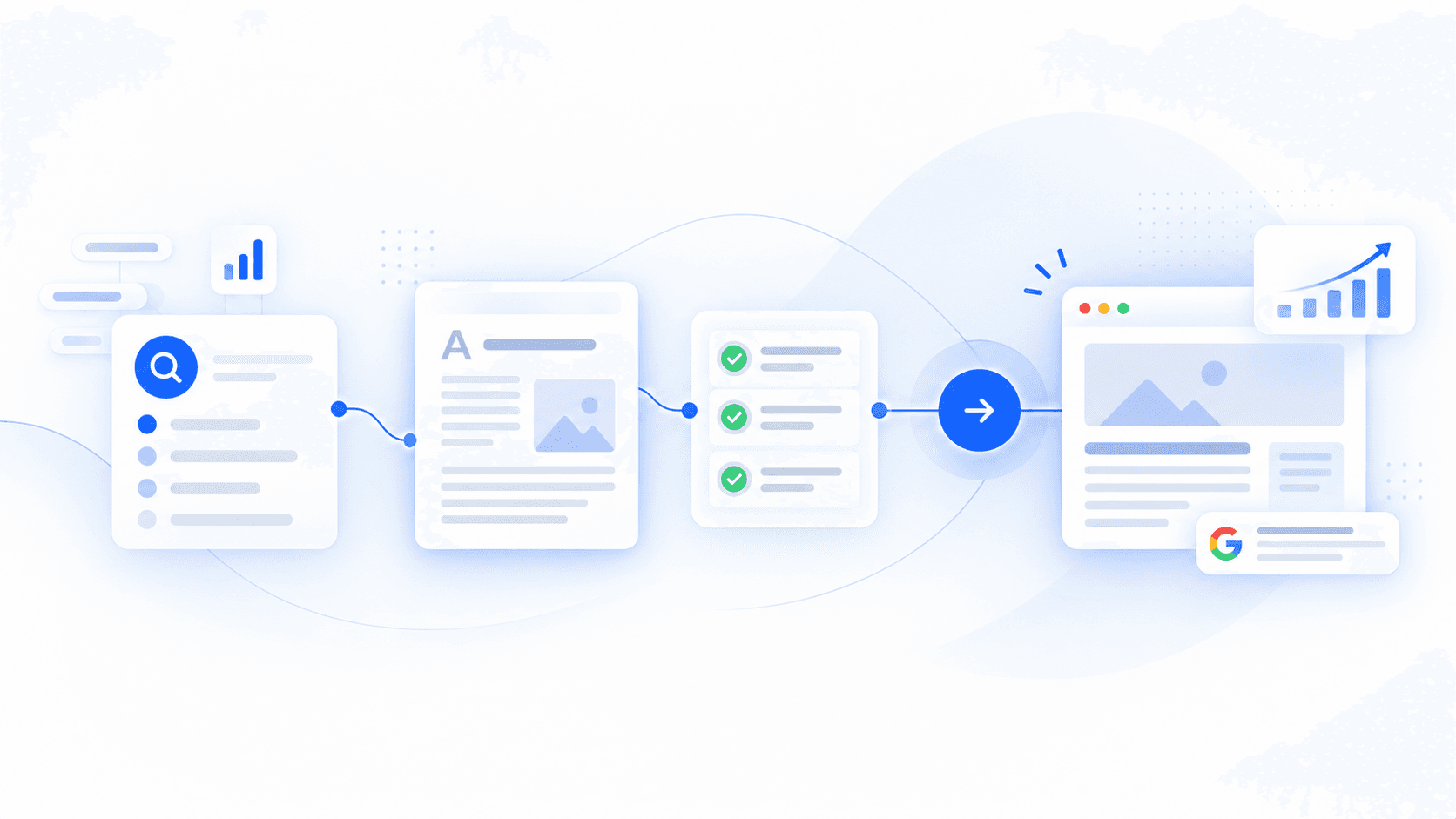
A WordPress content automation tool should remove the work you actually repeat. That might mean deciding which page deserves attention, preparing and reviewing an article, or sending approved work to WordPress. A long feature list does not tell you which decisions remain yours.
This shortlist compares three different options: Rankvia, Outrank and Frase. Choose by your existing content, review capacity and publishing requirements rather than by article volume alone. You may already have the right software and need a clearer editorial process instead.
Reviewed 15 October 2026. Rankvia publishes this guide and is one of the products compared. Competitor claims come from first-party documentation; Rankvia claims were checked against its current implementation. This is not a hands-on test of all three products, an independent ranking or evidence of customer results. Prices below are USD references; verify current checkout terms.
Compare operating models before comparing buttons
| Tool | A reason to shortlist it | What to examine before buying |
|---|---|---|
| Rankvia | You want website-growth decisions, page ownership and eligible execution handled through one recurring process. | Review the proposed roadmap, existing-page decisions and supported WordPress destination against your website. |
| Outrank | Recurring article production and its documented backlink and existing-article improvement workflows are important. | Check article allowances, the link-credit arrangement and the exact WordPress integration/review mode. |
| Frase | You want research, optimization, existing-page audits and publication with explicit content controls. | Compare audit/article limits, Content Guard coverage and which tier includes the planning features you need. |
These are fit criteria, not scores. All three describe automation; none should be reduced to a text generator or assumed to publish safely without setup and review.
Start with a WordPress buyer scenario
Illustrative example - fictional Fieldline design consultancy. Fieldline has a WordPress website with a services page, a useful discovery-process article and a dated project-preparation checklist. Its team can review two pieces of work each week. It wants to answer qualified buyers’ questions without producing a second version of every existing article.
A useful buying exercise asks each tool to support three decisions:
- Improve the preparation checklist because the service scope has changed.
- Keep the discovery-process article because it already answers the question accurately.
- Consider new coverage of who should commission a design audit, without duplicating the services page.
These are illustrative editorial decisions, not results from a real scan. The team still needs to supply approved service facts and verify the resulting recommendations. Automatically publishing thirty new posts would not solve this particular problem if the existing owners remain inaccurate.
Rankvia: delegate more of the website-growth decision
Rankvia is a website-growth autopilot. Approved business context, existing pages, search opportunities, current search evidence, optional Google Search Console and AI Visibility inform what the website should do. A useful opportunity may justify Create, Improve, no additional page, monitoring or skipping. It is not automatically a new article.
Selected owned-site work can move through a dated Content Calendar, Page Plan, generation, internal-link planning and supported publication. For Fieldline, the important evaluation is whether the service page or checklist should own a question before spending capacity on another URL. Improve is opportunity-driven; do not treat it as a promise of continuous site-wide content-decay monitoring.
Review First retains an editorial step. Optional Autopilot can carry eligible scheduled work through supported publication after configuration and opt-in. Neither mode supplies evidence for unverified business claims. WordPress connection instructions explain site authorization separately from website analysis; publication instructions cover the supported transfer.
Rankvia plans are per website, with plan-specific generated-page and priority-buyer-question allowances. Compare the current figures below and the pricing controls; an annual monthly equivalent is not a monthly payment option.
Rankvia is a relevant candidate when recurring website decisions and eligible execution are the main job. If you principally need a technical crawl, a specialist backlink database or a large editorial team’s custom approval system, evaluate that requirement separately rather than assuming the content workflow replaces it.
Outrank: recurring articles, links and scheduled improvements
Outrank documents automated keyword research, recurring article production and a wider CMS range. Its Organic Growth pricing is US$99 monthly or US$999 paid yearly for 30 articles per month per website and unlimited users. Extra article capacity and other services cost more. Its backlink arrangement earns credits through hosting relevant links; assess that requirement rather than treating links as an unconditional allowance.
For Fieldline, existing coverage matters as much as new articles. Article Improvements requires Google Search Console and a supported CMS. The documented process selects existing articles, proposes revisions and allows review or optional automatic republishing. Those improvements are separate from its new-article quota.
Outrank’s WordPress plugin documentation describes connection testing, draft mode, scheduling and publication, including featured images and SEO descriptions. Confirm which integration and settings you will use. Outrank can be appropriate when that recurring article workflow and its other included operations match your needs; do not buy capacity merely to fill it.
Frase: research, optimization and managed revisions
Frase’s current pricing lists Starter at US$49 month-to-month or a US$39 monthly equivalent billed yearly. It includes one seat/site, 10 articles and 50 audit pages each month, with Content Guard watching 10 pages. Professional and Scale increase allowances and add capabilities; check the tier before assuming a calendar or internal-link suggestions are included. Annual billing is a yearly charge, not twelve monthly payments at the equivalent rate.
Frase documents research and optimization alongside existing-page audits and Content Guard revisions. Its current scope is broader than a single article editor. Review its approval and optional automation controls against Fieldline’s capacity to verify service claims; an optimization score is not proof of factual accuracy or a ranking outcome.
The WordPress instructions describe an API connection using an administrator account and an application password, then draft or live publication from the editor. Hosting/security rules must allow the connection. Verify the documented metadata and post-type behavior for your own setup instead of assuming every theme, SEO plugin or custom field transfers identically.
Check the WordPress handoff before enabling automation
Planning access and WordPress publishing permission are different prerequisites. For Rankvia, the general journey is website submission, signup or login, eligible analysis and Business Profile approval before planning. Google Search Console is optional. Connecting WordPress is a separate website-specific operation.
Rankvia checks the site and uses the appropriate supported WordPress.com authorization or Application Password path. The authorized account must have the relevant content and media permissions. Check the connection, intended destination, category where applicable, images and saved content before sending a reviewed piece. See WordPress troubleshooting if authorization or publication fails.
Across any candidate, verify a representative reviewed article and its final WordPress page before allowing a recurring schedule. Examine heading hierarchy, links, slug, metadata, image rights and layout in your theme. A saved draft is not a verified live page. Keep automatic publication optional until the process meets your editorial requirements; do not weaken site security just to remove a connection error.
A practical purchase checklist
- Opportunity or output? Can the process explain why an existing page should be improved, retained or supplemented, rather than only propose more topics?
- Business evidence? Can you supply current offers, exclusions and product facts, and see what still needs verification?
- Editorial control? Who reviews claims, links and images, and how are automation settings constrained?
- Destination compatibility? Does the supported connection match your actual WordPress hosting, permissions and content needs?
- Budget and capacity? Count websites, seats, articles/pages, audits and add-ons separately. Use the full annual charge when evaluating commitment.
- Existing content? Keep useful URLs and ownership. Do not assume drafts, schedules, measurements or CMS libraries import automatically between products.
Use the same scenario and approved facts for your shortlist. A tool that fits the team’s real review workload may be more useful than the option with the largest allowance. Retain your current process if switching would add work without resolving a concrete gap.
For the operational walkthrough, use WordPress planning, review and publication and the automated publishing guide. This page owns tool selection; those pages explain how the workflow operates.
APPLY THIS TO YOUR WEBSITE
See what your WordPress website should work on next
Use the existing general entry: submit your website, sign up or log in, complete eligible analysis and approve the Business Profile before planning. Rankvia can prioritize suitable website work; WordPress connection and publication come separately.
Existing eligibility applies. No publishing connection or automatic publication is enabled by this CTA.
Sources
Related guides
From content opportunity to published page
Follow content from a selected opportunity through review and supported publication.
Internal Linking for SEO and AI Search
Choose relevant destinations and descriptive anchors that help readers take their next step.
Content refresh for SEO: decide what deserves work
Decide whether to refresh an existing page or leave useful content unchanged.