
Guides How to Get Your Shopify Store Recommended by ChatGPT in 2026
SHOPIFY CHATGPT RECOMMENDATIONS
How to Get Your Shopify Store Recommended by ChatGPT in 2026
Help shoppers discover your Shopify store in ChatGPT. Check eligibility, test real buyer questions, improve product content and automate SEO with Rankvia.
By Rankvia ·
How to Get Your Shopify Store Recommended by ChatGPT in 2026
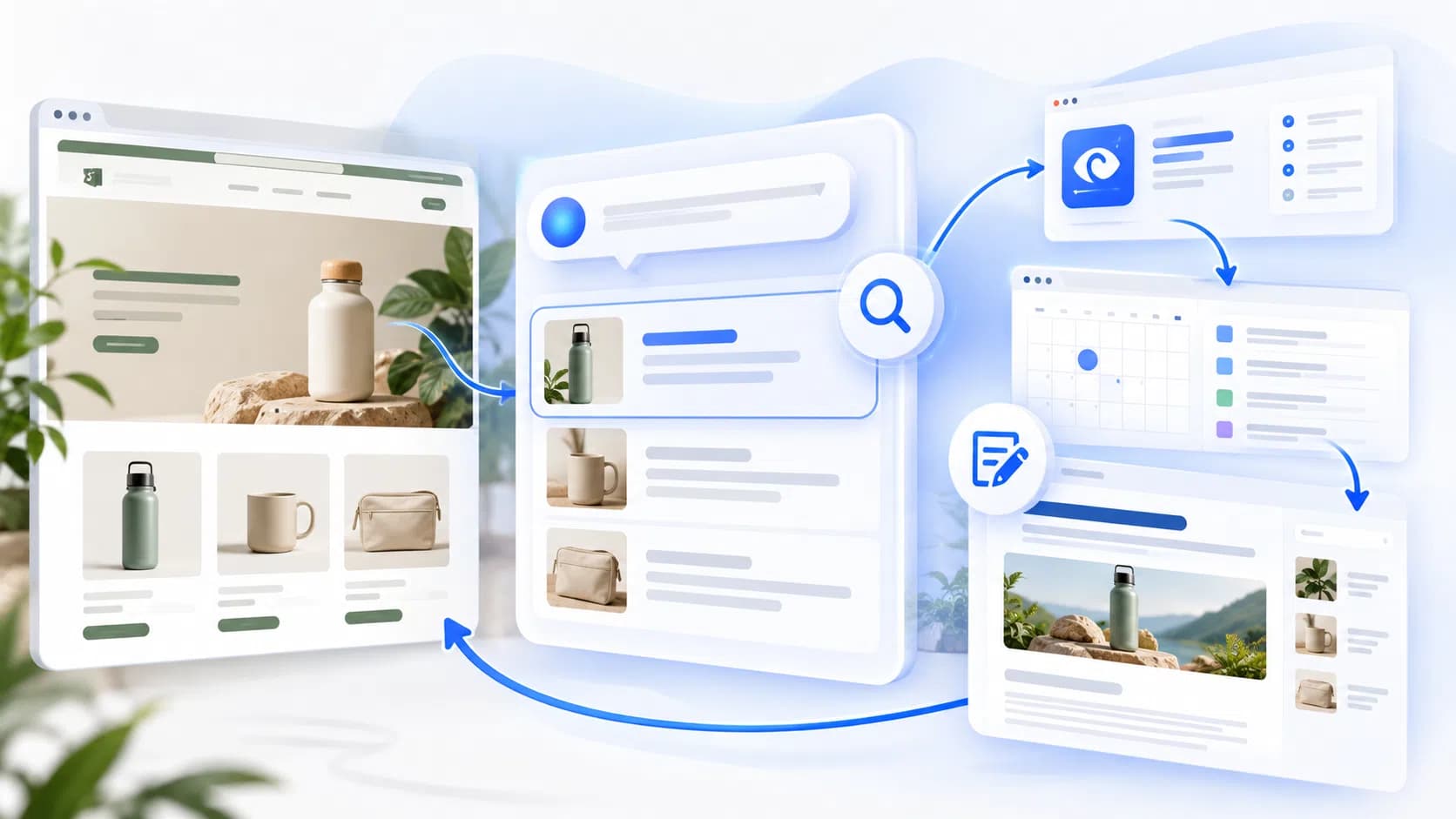
Getting a Shopify store recommended by ChatGPT involves two different jobs: keeping eligible product information accurate and available through Shopify, and making the public website useful for the buying questions people ask online. Rankvia helps with the second job. It can check sampled AI answers, combine those observations with search demand, available SERP evidence and optional Google Search Console data, then help decide whether a page should be created, improved, monitored or skipped. A Page Plan can guide helpful content and contextual internal links; supported articles and pages can then be sent to Shopify. Search Console is Google search evidence, not ChatGPT tracking.
If you want to measure appearances before deciding what to improve, see how to check your Shopify store's ChatGPT visibility.
The two ways ChatGPT can discover a Shopify store
| Discovery route | What matters most | What you can do |
|---|---|---|
| Shopping and product results | Product eligibility, accurate catalog data, price, availability, relevance to the user's request | Check Shopify's Agentic storefront settings, Shopify Catalog eligibility, and product data |
| Open-web answers and sources | Accessible product and editorial pages, credible information, relevant comparisons, useful buyer guidance | Improve existing pages and publish genuinely helpful content targeted at real purchase decisions |
What Shopify handles and where Rankvia helps
| Shopify handles | Rankvia helps with the public-web content opportunity |
|---|---|
| Product attributes, Catalog eligibility and product-data distribution through Shopify's supported channels | Sampled AI Visibility for selected buyer questions, with observed brands, competitors and visible sources where available |
| Native admin drafting and editing, including Sidekick assistance | Search-demand and available SERP evidence, plus optional first-party Google Search Console data for the selected website |
| Shopify product and Catalog settings | Checking existing page ownership and choosing Create, Improve, Monitor or Skip |
| Shopify's own publication controls | Page Plans, relevant internal links in generated or improved content, and supported article/page publishing |
OpenAI says Shopify merchants' product data is already integrated into ChatGPT via Shopify Catalog. ChatGPT chooses product results independently based on the shopper's intent and available information; an eligible product is not guaranteed an appearance. See OpenAI's shopping explanation and Shopify's catalog documentation .
A product card, a mention of your brand in a written answer, a link to a page on your store and an actual recommendation are different outcomes. Treat them separately when measuring progress.
Step 1. Check whether your Shopify store is eligible for ChatGPT shopping
Go to Shopify Admin → Sales channels → Agentic and inspect the ChatGPT channel and the Sources → Shopify Catalog information. Shopify's current guidance says the ChatGPT channel is active by default for eligible stores, and merchants can manage product access there. For selling through this channel, Shopify currently lists requirements including selling to customers in the United States, Shopify Catalog eligibility, and agreement to its Agentic Storefronts supplemental terms. Your business itself may be based outside the United States. Eligibility and channel availability can change; rely on your own admin's status rather than an old screenshot.
If Shopify reports Ineligible, inspect the reason instead of installing a random “ChatGPT feed” app. Confirm that the store is publicly accessible and that relevant products have a title, image, positive price, identifiable public URL and appropriate publication status. The Shopify Catalog requirements detail additional store and account conditions.
Important: Shopify Catalog is one discovery route. Even a catalog-ineligible store may be found through public-web search, and catalog eligibility alone does not force a specific recommendation.
Step 2. Check the product information ChatGPT may use
Read your product pages as a skeptical shopper would. Can someone quickly tell who the product suits, how it differs from alternatives, what it costs and whether it is available? Product titles and images are necessary, but clarity in descriptions, materials, sizing, variants, intended use and limitations can matter to real shopping decisions.
A useful product information checklist:
- A specific title that identifies the item rather than repeating keywords.
- Accurate price, currency, availability, variants and product images.
- Relevant attributes: materials, size, fit, compatibility, ingredients or other details your category needs.
- Clear differentiators supported by product facts; no fabricated awards, reviews or performance claims.
- Shipping, returns and other purchasing policies that are easy to find.
If you use custom metafields or complex naming conventions, Shopify offers Catalog Mapping for eligible stores to connect the relevant product data. This is a Shopify merchandising task, not a feature Rankvia replaces.
Step 3. Test the questions buyers actually ask ChatGPT
One personal ChatGPT answer is not a reliable diagnosis. Answers can vary by wording, language, market and context. Build a repeatable set of buyer questions and record the exact wording, date, locale/market, answer, brands, visible sources and result type. Keep brand mentions, citations, explicit recommendations and shopping product cards separate; one does not prove another. An unavailable provider response is unknown, not an observed absence.
For example, a fictional sustainable-backpack store could test questions such as “Which carry-on backpack is best for a weekend trip?”, “Which travel backpack fits under an airline seat?” and “How should I compare recycled-fabric carry-on bags?” These are illustrative prompts, not researched demand or actual ChatGPT results.
Rankvia's eligible, one-time AI Visibility preview can sample up to five buyer questions where supported. It requires an account and an approved Business Profile; availability depends on the site, language, market and provider coverage. It is a documented snapshot of selected questions, not continuous monitoring of every possible answer. See the AI Visibility methodology.
Step 4. Diagnose the gap before creating new content
A missing recommendation can have different causes - or no actionable cause at all. Diagnose the actual route involved.
| Observation | Check first | Possible next move |
|---|---|---|
| Product not shown in shopping results | Catalog eligibility, accurate product attributes, product fit for the request | Fix product or channel information |
| Competitors named in a written answer, not your brand | Whether your store has a useful page addressing that exact comparison or use case | Improve an existing relevant page or create a genuinely missing one |
| Your page is cited, but your brand isn't recommended | Answer context, suitability, price, availability and credibility | Clarify product fit; do not assume a citation should equal an endorsement |
| Results cannot be collected | Provider availability, prompt coverage and sampling status | Retest later; do not label this zero visibility |
| Brand mentioned for irrelevant questions | Buyer intent and prompt selection | Replace weak questions; prioritize qualified intent |
This prevents a common waste: writing a new generic blog article for every disappointing AI answer. Sometimes the right next step is correcting product data, strengthening an existing collection page, improving evidence on a buying guide or doing nothing until more observations exist.
Step 5. Make public store content useful for product decisions
Good public content should help people choose, not merely mention a target phrase. Prioritize:
Product and collection pages. Clear category definitions, relevant filters, useful differences between variants, and links to supporting buying guidance.
Buying guides. Explain which product works for which use case and where the trade-offs are. Show product facts, limitations, and purchasing criteria.
Comparisons. Compare materials, approaches or named products fairly. Give the shopper a clear decision framework rather than an empty “X vs Y” keyword exercise.
Frequently asked questions. Answer concrete sizing, care, shipping, compatibility or usage questions where buyers genuinely need them.
Existing-page improvements. If an indexed page already answers the question, adding another near-duplicate URL may be less useful than improving the established page.
Link guides to relevant product and collection pages and link back when the connection genuinely helps navigation. Avoid inventing customer reviews, research results or third-party endorsements to look authoritative.
For the wider distinction between catalog and open-web discovery, see Rankvia's Shopify AI Search Optimization guide. This page focuses on the merchant's ChatGPT recommendation workflow rather than repeating that guide's entire technical explanation.
Step 6. Keep relevant pages accessible without chasing AI “hacks”
Check that important storefront and content URLs load publicly, use descriptive headings and meaningful copy, and are reachable through normal site navigation. Review indexing in Google Search Console where appropriate and investigate unusual robots restrictions if pages are unexpectedly missing from open-web search.
Shopify manages important bot controls itself and documents optional robots.txt.liquid customization. It now also provides /agents.md, /llms.txt and /llms-full.txt discovery URLs automatically. You do not need to buy an app to create these files, and they do not replace Shopify Catalog or guarantee ChatGPT exposure. See Shopify's AI crawler guidance .
Do not remove protective robots rules blindly or expose private account, checkout or customer pages. Open-web crawlability and Shopify Catalog syndication are separate controls.
Prioritize AI visibility gaps with real search evidence
An AI answer sample can tell you what appeared for the questions checked. It cannot tell you which page should change by itself. Combine distinct evidence carefully:
| Evidence | What it can show | What it does not show |
|---|---|---|
| Sampled AI answers | Observed brands, competitors and visible sources for selected buyer questions | Every answer, stable recommendations, or sales impact |
| Search demand and current SERPs, where available | Related queries, search intent, competing pages and the formats currently visible | First-party performance for your own website |
| Optional connected Google Search Console | Queries, pages, impressions and supported performance for the selected Google property | ChatGPT recommendations or AI answer coverage |
| Website pages and approved Business Profile | What your store already covers and what it can accurately claim | Permission to create a page when the need is not distinct |
Fictional decision example: a sustainable travel-backpack store asks, “Which carry-on backpack is best for a weekend trip?” A sampled answer may provide observations about brands or sources, without proving a lasting result. If the store already has a sizing guide for cabin bags and Search Console shows that page earning impressions for related Google queries, compare its coverage with current SERP patterns and consider an Improve plan for that URL. If no page answers a distinct comparison need, consider Create instead. If the gap is only a missing product attribute or Catalog eligibility issue, fix it in Shopify; do not write a blog post to solve it. If the evidence is inconclusive, Monitor and gather another comparable sample. A useful guide could link to the relevant backpack collection and a specific product whose dimensions it explains. No performance metrics or AI test result are assumed here.
Step 7. Use Rankvia to turn verified gaps into Shopify content
The workflow connects diagnosis to a page decision, rather than treating a visibility gap as an instruction to publish another article.
- Install Rankvia for the right Shopify store. Confirm the associated website before starting work. See the Shopify integration.
- Approve the Business Profile. Verify products, positioning, audience, content language and target market; this approved context informs later planning and generation.
- Review AI Visibility samples and search evidence. Compare the selected questions and observed competitors with search-demand research and current SERP patterns where available. Google Search Console is optional, read-only evidence from the selected Google property, not ChatGPT analytics.
- Choose the action in the Content Calendar. Decide whether the opportunity belongs to a new page, an existing page, a Shopify product-data correction, monitoring or no action.
- Review the Page Plan. Check the page owner, reader, intent, answer strategy and facts before generation. For Improve, the existing URL and useful source material guide the proposal. Review the revision and keep the current page if the new draft does not make a worthwhile improvement; Rankvia does not automatically rewrite every aging page.
- Generate useful content with contextual internal links. A relevant buying guide may link to a suitable collection, product or supporting guide when it helps the reader. This applies inside the generated or improved content; it is not sitewide repair of old links or editing of product/collection records. See Content Calendar, Content Refresh, Page Plans and Internal Linking.
- Review and publish supported content. Rankvia can send supported Shopify articles and standalone pages as drafts or live content. Optional automatic publishing requires explicit enablement and eligible scheduled work. Shopify-side edits do not sync back automatically; if a conflict is detected, review it before confirming an update. Re-publishing updates an existing associated article/page when the saved publication reference supports it. Rankvia's documented Shopify workflow does not publish product or collection descriptions.
Step 8. Measure what happens after you improve the store
Track outcomes at several levels instead of declaring success because you published content:
| Measure | Interpretation |
|---|---|
| Catalog eligibility and product completeness | Is your product discovery foundation usable? |
| Sampled AI answers and competitor appearances | Are your products or brand appearing for the same relevant questions over time? |
| Mentions, citations, recommendations and shopping cards | Which distinct kind of visibility occurred? |
| Search Console impressions and organic clicks | Are public pages being discovered in Google search? |
| AI-related referral sessions where identifiable | Is some identifiable traffic arriving from AI interfaces? |
| Orders and revenue attributed where reliable | Are relevant visits producing business value? |
Record the question set, method and date for each scan. Don't compare two different sets of prompts as though the percentages were directly interchangeable. Keep unknown provider responses separate from observed absences. Not all ChatGPT shopping interactions create a conventional referral visit, and attribution can be incomplete.
Search Console reports Google search performance for your pages; sampled AI Visibility reports observations for the questions checked. Keep those sources separate, record comparable question sets and dates, and don't treat a one-off answer as sustained visibility or sales.
A sensible 30-day action plan
Week 1: Review eligibility, product data and five high-value buyer questions. Save a dated baseline.
Week 2: Fix factual product gaps and improve the highest-priority existing page.
Week 3: If a meaningful question still lacks a useful page owner, publish one genuinely helpful buying guide or comparison and connect it to relevant products.
Week 4: Recheck comparable prompts, Search Console signals and any attributable store activity. Keep working on the changes that have evidence behind them.
This is a suggested workflow, not a promise that recommendations will change in four weeks.
Frequently asked questions
Can Shopify products appear in ChatGPT automatically?
Eligible Shopify products can be made available through Shopify Catalog without a separate merchant-created ChatGPT feed. Availability does not guarantee that a specific product will be selected for a shopper's question. Shopify explains eligibility .
Do I need an SEO app to get Shopify products into ChatGPT?
No. Rankvia is not required for Shopify Catalog eligibility or syndication. Rankvia helps with a complementary job: evaluating AI visibility and search opportunities, planning SEO content, generating articles/pages and publishing supported content to Shopify.
Why does ChatGPT recommend competing stores instead of mine?
There may be differences in product suitability, availability, attributes, store eligibility, public evidence or the shopper's specific preferences. One answer isn't a diagnosis. Inspect the type of result and compare repeated relevant questions before acting.
Does adding an llms.txt file make ChatGPT recommend my store?
No. Shopify serves its own agent-discovery files automatically, and a special text file is not a guaranteed ranking or recommendation mechanism.
Can Rankvia edit my Shopify product descriptions automatically?
Not through the documented Shopify publishing workflow. Rankvia publishes supported generated articles and standalone pages. Manage catalog attributes and product descriptions through Shopify's merchant tools.
Can Rankvia guarantee ChatGPT citations or recommendations?
No. External AI systems select their own results. Rankvia can help uncover sampled visibility gaps and execute useful SEO content work, but cannot control the final answer.
Is Rankvia free for Shopify stores?
Rankvia has an eligibility-dependent, one-time free website AI Visibility preview. It is not an ongoing free Shopify subscription. The Shopify app's paid plans start at $39/month, subject to the live listing and billing terms. See Rankvia on Shopify.
What is the difference between a ChatGPT recommendation and an AI citation?
A recommendation affirmatively suggests a brand or product for a buyer's need. A citation links to a source used in an answer. A brand can be cited without being recommended, and product cards are a separate shopping presentation. Measure each accordingly.
Stop guessing which Shopify content to create
Getting recommended is not a switch to flip. Check whether the visibility gap belongs to Shopify product data, an existing page or a distinct buyer question; use the evidence to choose a next step that helps shoppers.
Check your AI visibility for free - see a sample of questions and results if your site is eligible.
Automate SEO content with Rankvia for Shopify - connect search research, a prioritized content calendar, SEO generation and Shopify publishing.
Sources
Related guides
Shopify AI Search Optimization: What Actually Matters
Review product data and public website work relevant to Shopify AI discovery.
Shopify Content Strategy: What to Create, Improve & Prioritize
Choose useful work across product pages, collections and store guides.
Best Shopify AI Visibility Apps in 2026: 7 Compared
Compare Shopify apps for AI visibility monitoring, product readiness, and the actions that follow.
How to Automate Shopify SEO Content Creation and Publishing
Build a practical workflow from Shopify SEO research and planning through content review and publication.
BUILD YOUR SEARCH GROWTH PLAN
Find what your website should publish next.
Enter your website and Rankvia will identify relevant search opportunities and build the strategy for what to create or improve.
Personalized to your website · No credit card required
Explore AI Search Optimization